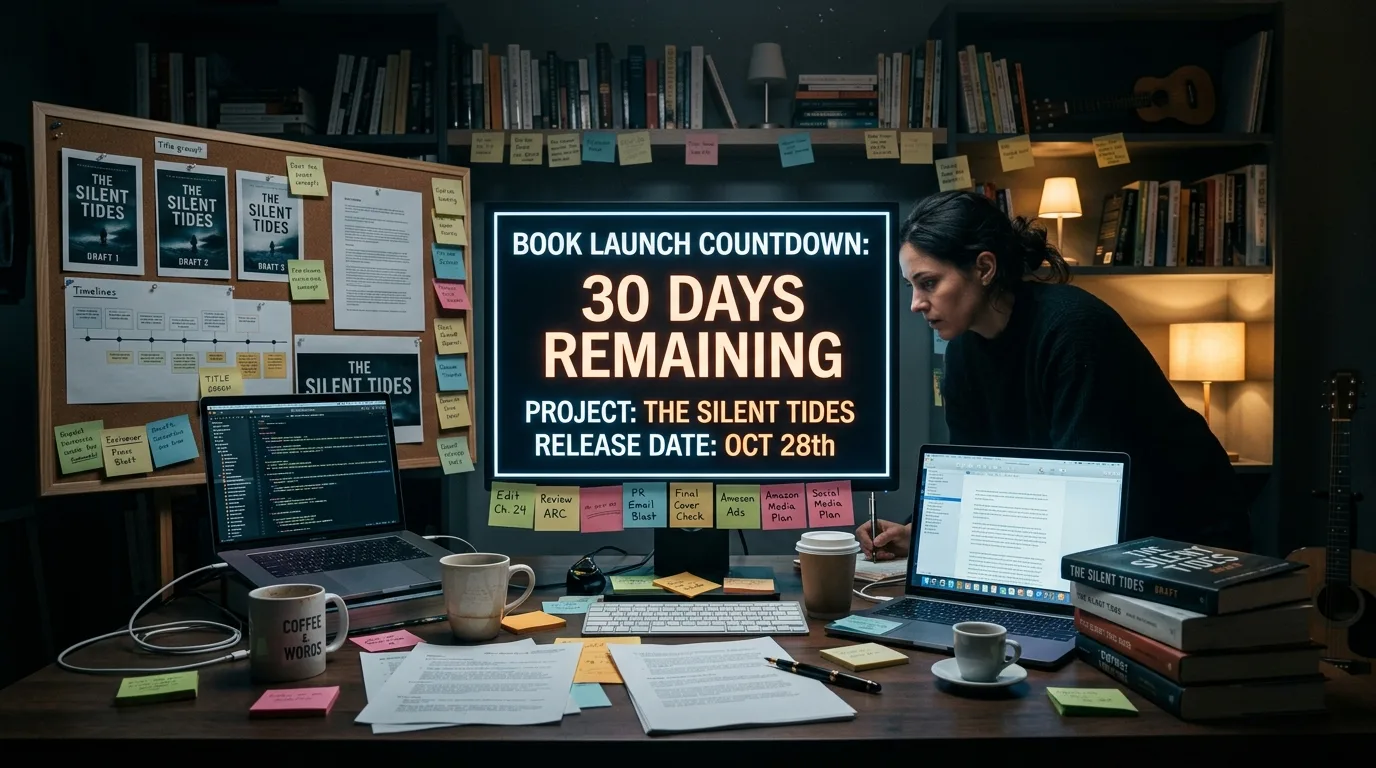
Launching a book means planning its release with a countdown, not just hitting "publish." Over 30 days you set up the preorder, send copies to your ARC readers, warm up your email list, and lock in price and metadata on Amazon KDP. On Day 0 you publish, and over the next seven days you concentrate reviews and promotion to make the most of the new-release window.
You've finished and proofread your novel. Congratulations, that's the hard part. But a manuscript uploaded to Amazon with no plan behind it is a book nobody finds. That's exactly the difference between "publishing" and "launching": publishing is a button; launching is a strategy with dates on the calendar. In this guide I hand you the framework known as the 30-Day Book Launch Plan, mapped onto the real mechanics of KDP in 2026 — the part most guides skip. A book launch plan, day by day, from Day 30 to Day +7. If you're still finishing the text, first review how to publish your novel on Amazon KDP so you reach this stage with your homework done.
What launching a book means (and why 30 days)
Launching a book means orchestrating its entry into the market so that the largest possible number of sales and reviews lands in the shortest possible time. Why does concentration matter? Because Amazon's algorithm rewards momentum: lots of sales in a few days push your novel up the rankings and into the "new releases" lists, and that visibility generates more sales. A trickle of one copy here and another there lights nothing on fire.
A book's new-release window lasts roughly the first 30 days. That's when your title has the best shot at standing out, showing up in lists, and picking up fresh reviews. That's why a launch is built as a one-month countdown. But be careful: those 30 days are the final phase. The real planning starts earlier, between three and four months before release, when you lock in a date, commission the cover, and start building an audience. The 30-day countdown is the home stretch, not the whole race.
And it's not a marginal market: self-published titles with an ISBN grew 7.2% in 2023, topping 2.6 million titles, while traditional publishing fell 3.6% (563,019 titles), according to Publishers Weekly, with data from Bowker (2024). Self-publishing a novel stopped being plan B a long time ago. If you're torn between paths, it helps to read the comparison between self-publishing and traditional publishing.
Before Day 30: what you should already have ready
The 30-day calendar assumes the book, as a product, already exists. If Day 30 catches you still writing, you're not launching: you're improvising. Before the countdown starts, you need four things locked down:
- The proofread manuscript. No typos, no loose ends. The first reviews rule everything, and an unpolished text sinks them.
- The cover. Professional and legible as a thumbnail, which is how most people will see it. If you don't know where to start, see how to design your novel's cover.
- The synopsis and back-cover copy. The sales text that hooks in the first two lines. Half your conversion is decided here; take care with how to write a synopsis that sells.
- The format and layout. A clean EPUB for the ebook and a well-laid-out PDF for print, ready to upload without any nasty surprises.
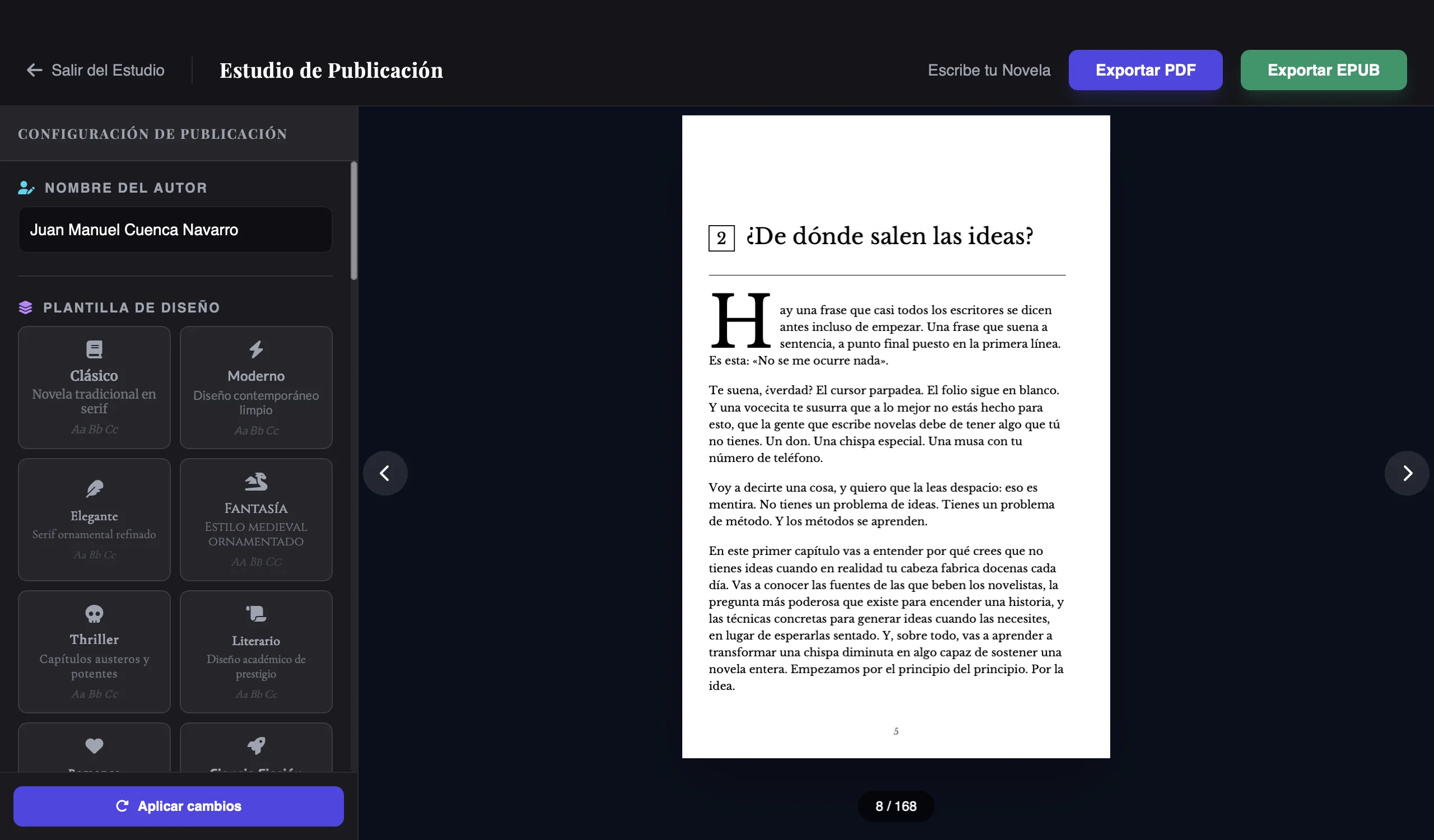
This is where a tool like Scriptum saves you weeks. You write and polish the manuscript with the help of Aura, the AI that knows your story; from the text itself you generate the synopsis and back-cover copy without staring at a blank page; and with the Publishing Studio you export the book to EPUB and PDF ready for KDP in a couple of clicks. It's not magic: it's having the finished product before the countdown even starts, so you can spend these 30 days launching instead of formatting. If you're still choosing what to write with, compare the best software for writing novels.
The 30-day calendar
This is the heart of the plan. Four weeks of countdown, launch Day 0, and a first week of pushing hard. Set a real release date and work backward from it. Here's the full map:
| Stage | Key actions | Goal |
|---|---|---|
| Week 1 · Day 30-24 | Set the release date and open the preorder on KDP. Finalize manuscript, cover, synopsis, and back-cover copy. Build the landing page and the email list. Define your list of ARC readers. | Foundations in place and the preorder page racking up reservations. |
| Week 2 · Day 23-16 | Send the ARCs to your advance readers. Build your "street team." Decide whether to enroll in KDP Select. Research categories and your 7 keywords. | Generate word of mouth and fine-tune the listing so people find you. |
| Week 3 · Day 15-8 | Upload the final manuscript to KDP and set the price within the 70% band. Gather feedback from the ARCs. Warm up the list with previews and teasers. | Book technically ready and audience on the edge of their seats. |
| Week 4 · Day 7-1 | Confirm the manuscript is uploaded with 72 hours to spare. Schedule the Day 0 posts. Remind your ARCs and your list to leave a review at release. | Concentrate the whole shot into a single day. |
| Day 0 · Launch | The book goes live (it can take up to 72 hours to appear). Alert every channel, send the launch email, and ask your advance readers for honest reviews. | Maximum concentration of sales and reviews. |
| Days +1 to +7 | Push reviews, run a promotion (free days or a Countdown Deal if you're in Select), watch the ranking, and respond to your community. | Sustain momentum throughout the new-release window. |
Week 1 (Day 30-24): lay the foundations
- Pick and lock your release date; the whole plan hangs off it.
- Open the ebook preorder on KDP to start collecting reservations.
- Publish a simple landing page and start (or revive) your email list.
- Finalize your ARC readers list: between ten and thirty people you trust.
Week 2 (Day 23-16): kick-start word of mouth
- Send the ARCs with enough lead time for readers to finish and review on Day 0.
- Decide whether to enroll in KDP Select (it means digital exclusivity; more on that below).
- Research the categories and the 7 keywords your reader will search with.
- Prepare a social content calendar with previews, a quote, and the cover.

Week 3 (Day 15-8): get the book loaded
- Upload the final manuscript to KDP; with a preorder this is mandatory ahead of time.
- Set the price within the 70% royalty band.
- Gather the feedback from the ARCs in case there's one last typo to fix.
- Warm up the list: a countdown, an excerpt from chapter 1, the reason you wrote it.
Week 4 (Day 7-1): line up the shot
- Confirm the file is uploaded with 72 hours to spare before Day 0.
- Schedule the launch posts and email so they go out on their own.
- Remind your ARCs and subscribers that the review goes up on release day, not before.
Day 0 and Days +1 to +7: ignite and sustain
- Announce the launch across all your channels at once; make the premiere impossible to miss.
- Ask your advance readers to post their honest review that day.
- In the first week, run a promotion (free days or a Countdown Deal if you're in Select) and keep pushing the book. For low-budget ideas, lean on the guide on how to promote a self-published novel.
The KDP mechanics that change your launch
This is where most guides get it wrong, because they copy myths instead of reading the source. Here are the real KDP facts for 2026, each with its source.
The preorder myth: up to a year, not 90 days
You'll read a thousand times that "preorders last 90 days." It's false. The official KDP help on Kindle eBook preorders (2026) lets you open a preorder up to a year before the release date. The 90 days everyone repeats are the length of KDP Select exclusivity, which is a completely different thing. Don't mix them up.
The preorder fine print that does matter: you must upload the final manuscript at least 72 hours before release, you can't have more than 10 preorders running at once and, if you miss the upload deadline, Amazon bans you from preorders for a year (same source, KDP, 2026). That's why the calendar nails the upload in Week 3-4, not on Day 0.
How long your book takes to go live
A new ebook can take up to 72 hours to appear on sale after you upload it, though it's often a matter of hours (official KDP Help, 2026). What that means for your launch: never upload the file on Day 0 itself expecting to announce it that morning. If you use a preorder, the problem disappears because the book is already scheduled.
Royalties: 35% or 70%, and the price band that rose in 2026
KDP pays two royalty tiers on the ebook: 35% and 70% of the list price before tax (official KDP Help, 2026). To earn the 70%, the list price has to fall within a band of $2.99 to $12.99 (roughly €2.69-€12.99 in the EU), according to KDP's pricing page (2026). Below $2.99 or above the ceiling, the royalty drops to 35%.
And a recent change almost nobody has updated: the 70% ceiling rose from $9.99 to $12.99 on July 7, 2026, the first increase since 2007 (Alliance of Independent Authors / Publishers Lunch, 2026). If you set your price using the old figure, you're leaving money on the table. Always check the current tiers before publishing.
KDP Select: 90-day exclusivity in exchange for tools
KDP Select asks for digital exclusivity in renewable 90-day periods: while you're in, you can't sell the ebook on other platforms. In exchange, you join Kindle Unlimited and can give the ebook away free for up to 5 days per 90-day period (official KDP Help, 2026), perfect ammunition for your launch week. It's a strategic decision, not a requirement: enroll in Select if your plan is to bet everything on Amazon.
Price and reviews: what we actually know
Here we need to separate the hard data from forum rumor, because a lot of unsourced numbers float around price and reviews.
Price. What's verifiable is the 70% band: between $2.99 and $12.99 (roughly €2.69-€12.99). Within that range, some industry analyses put the ballpark price of a fiction ebook at around $3.99-$4.99, but that's an old figure (Written Word Media, 2018) and not an official Amazon number. Treat it as a starting point, not a rule: test, measure, and adjust based on your genre, your catalog, and your strategy (a low entry price makes sense for a first book; an established series can hold more).
Reviews. People repeat that you need around 15 reviews for certain advertising tools and 20-30 in the first week to get off to a strong start. Careful: these are estimates from industry blogs, not official Amazon numbers. Use them as a sense of scale, not a magic threshold. What you do control is organizing your ARC readers to leave honest reviews on Day 0, so your novel doesn't start from zero.
Writing the novel is half the journey. Launching it well — preorder, reviews, price, and a week of pushing hard — is the other half that decides whether anyone finds it.
Mistakes that ruin a launch
- Opening a preorder without a finished book. If you don't upload the manuscript 72 hours before, Amazon bans you from preorders for a year. Don't open a preorder until the file is ready, or nearly.
- Confusing preorder with KDP Select. A preorder can last up to a year; the 90 days belong to Select. Mixing them up leads you to the wrong decisions.
- Uploading the file on Day 0 itself. The ebook takes up to 72 hours to appear. You announce a book that isn't on sale yet and burn your momentum.
- Setting the price with the old band. The 70% ceiling is now $12.99, not $9.99. Check the current tiers every time you publish.
- Having no ARC readers. Launching without a single review means launching invisible. Your ARCs are your Day 0 safety net.
- Launching without an email list. With no audience to notify, you're at the mercy of the algorithm and luck. The list is the only channel you fully control.
How Scriptum gets your book launch-ready
This whole plan assumes you reach Day 30 with the product finished, and that's exactly where Scriptum fits. You write and edit with Aura, generate the synopsis and back-cover copy straight from your manuscript, and export to EPUB and PDF ready for KDP with the Publishing Studio. Instead of wrestling with the layout during launch week, you arrive with the ebook and the print edition ready to upload, and you spend these 30 days on the only thing that moves the needle: launching.
Frequently asked questions
How long does it take to publish a book on Amazon?
After you upload it, a new ebook can take up to 72 hours to appear on sale, though it's often a matter of hours. That's why, in a launch plan, you should never leave the upload for Day 0 itself: upload the file with time to spare so the book is live when you announce it.
What is a preorder on Amazon KDP and how does it work?
A preorder lets readers reserve your ebook before the release date, and those reservations count toward the ranking on launch day. On KDP you can open a preorder up to a year before release, not 90 days (that 90-day figure is KDP Select exclusivity, which is something else). You must upload the final manuscript at least 72 hours in advance, you can't have more than 10 preorders at once and, if you miss the deadline, Amazon bans you from preorders for a year.
Is a preorder worth it for the launch?
For an ebook it usually is, because it concentrates reservations on Day 0 and helps the ranking exactly when you need visibility most. The trade-off is that you must have the final manuscript uploaded at least 72 hours ahead and meet the deadline, or Amazon bans you from preorders for a year. If your book isn't finished yet, it's better not to open a preorder than to risk the ban.
How much does Amazon take on each book sold?
KDP offers two royalty tiers for the ebook: 35% and 70% of the list price before tax. To get the 70%, the list price must fall within a band of $2.99 to $12.99 (roughly €2.69 to €12.99 in the EU); below or above that band the royalty drops to 35%. The band's ceiling rose from $9.99 to $12.99 on July 7, 2026.
What price should I set for my ebook?
The hard fact is that, to earn the 70%, the price must be within the band of $2.99 to $12.99 (about €2.69 to €12.99). Within that range, some industry analyses put the ballpark price of a fiction ebook at around $3.99-$4.99 (Written Word Media, 2018), but that's an old figure and not an official Amazon number. Test, measure, and adjust based on your genre and your catalog.
What is an ARC (advance readers) and when do you send it?
An ARC (Advance Review Copy), or advance reader, is an early copy of your novel that you send to a small group of trusted readers so they read it before launch and leave an honest review on release day. In a 30-day plan you send them in the second week (around Day 23-16), with enough time for them to read it and post their opinion once the book is on sale.
How many reviews does a book need to start selling?
There's no official Amazon figure. People often mention around 15 reviews for certain advertising tools and 20-30 in the first week, but these are estimates from industry blogs, not an Amazon number: take them as guidance. What you do control is organizing your ARC readers to leave honest reviews when the book goes live, so it doesn't start from zero.
How long does the new-release window last, and when do I start planning the launch?
A book's new-release window lasts roughly the first 30 days, when it concentrates attention, sales, and reviews. That's why it's smart to start planning the launch three to four months before the release date: the 30-day countdown is the final, intensive phase, but you reach it with the manuscript, the cover, and the audience already prepared.
Conclusion and key takeaways
Launching a book isn't hitting "publish": it's a 30-day countdown built on the real mechanics of Amazon KDP. If you arrive with the product finished and execute the calendar, you concentrate sales and reviews exactly when the new-release window is open, which is what fires up the algorithm. Here are the points you can't forget:
- Plan 3-4 months ahead; the 30-day countdown is only the home stretch.
- The preorder lasts up to a year, not 90 days; upload the manuscript 72 hours ahead or you risk a year-long ban.
- For the 70%, set the price between $2.99 and $12.99 (ceiling updated July 7, 2026).
- Your ARC readers are your Day 0 review net: organize them.
- An ebook takes up to 72 hours to go live; don't leave it for the day of the announcement.
- Arrive with the book ready: write, generate synopsis and back-cover copy, and export to EPUB/PDF for KDP before you begin.
You have the story, and now you have the map. The next reader of your novel is 30 days away.