To publish your novel on Amazon KDP, create a free account at kdp.amazon.com, prepare the manuscript in a compatible format (DOCX or EPUB), design a cover, create a new project (eBook or paperback), fill in the book details (title, description, seven keywords, and categories), upload manuscript and cover, set the price within the 70% royalty band (€2.69–€12.99, a range Amazon updates from time to time), and hit publish. Amazon reviews the book and puts it on sale within up to 72 hours. The whole process is free.
You've finished your novel. After months, or years, of work, the manuscript is ready. Now comes the question that stops so many authors: how do I publish it? The good news is that in 2026 you no longer need to convince a traditional publisher to get your book to readers. With Amazon Kindle Direct Publishing (KDP) you can publish it yourself, for free, and have your novel on sale worldwide within days. In this guide we walk you through every step, with no jargon. And if you're still polishing the manuscript, review our guide on how to write a novel first, so you reach this stage with the text at its best.
What is Amazon KDP and why publish there?
Amazon KDP is Amazon's self-publishing platform. It lets you upload your book and sell it digitally (Kindle) and in print (paperback with print-on-demand), with no upfront cost and no middlemen. When someone buys your novel, Amazon prints or delivers the file and pays you a royalty. Here's why it has become the starting point for almost every independent author:
- It's free. You don't pay to publish or to keep the book on sale.
- Global reach. Your novel appears in Amazon stores around the world.
- Print on demand. No need to print or store copies: they're made when someone buys.
- Full control. You decide price, cover, description, and when to update.
Before you start: what you need ready
Publishing is fast; what takes time is preparing well what you're going to upload. Before you touch KDP, make sure you have:
- The manuscript edited and proofread. Good text that's poorly revised sinks the reviews. Check spelling, style, and consistency.
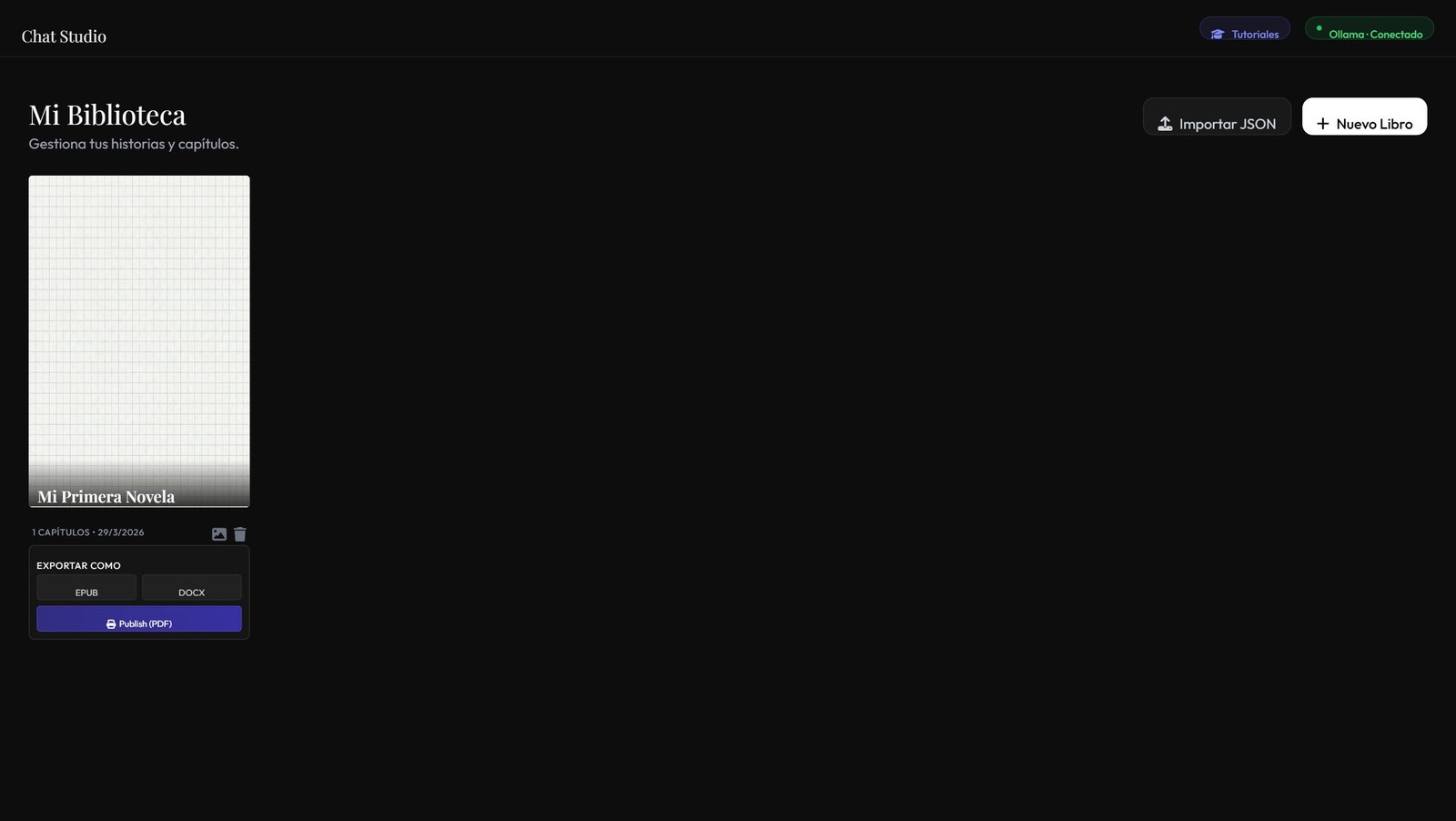
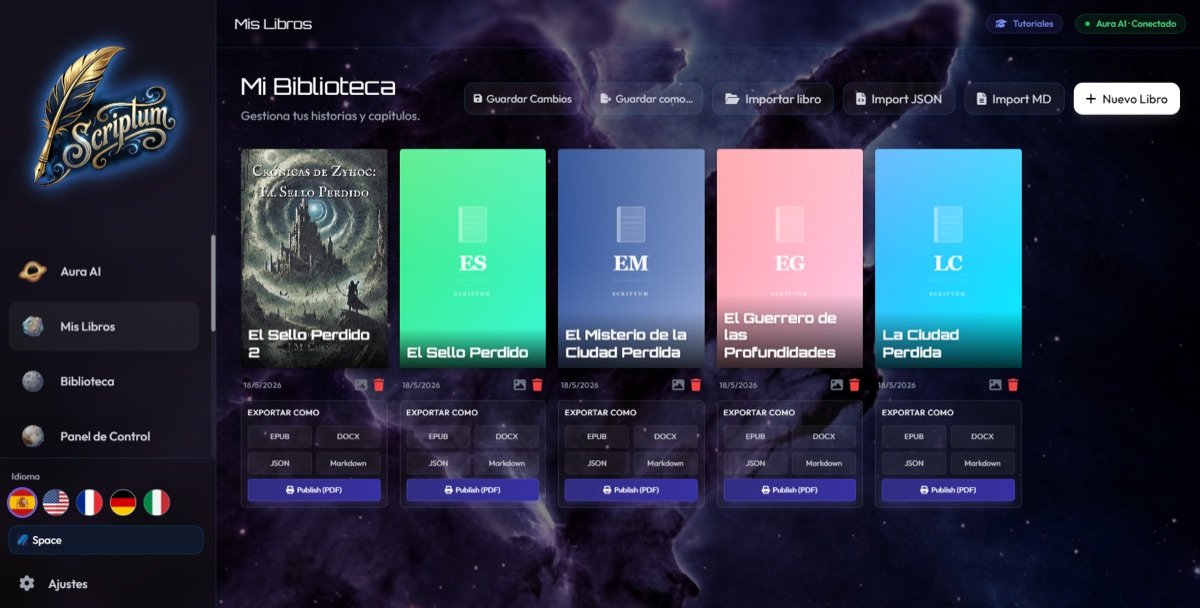
- The file in a compatible format. KDP accepts DOCX, EPUB, PDF, and others. EPUB is ideal for eBook; a well-formatted DOCX also works.
- A professional cover. It's the first thing the reader sees. You can use KDP's cover creator or your own high-resolution design.
- The commercial details thought through. Title, subtitle, sales description, author, and categories. This isn't improvised.
How to publish on Amazon KDP step by step
Step 1: Create your KDP account
Go to kdp.amazon.com and sign in with your Amazon account (or create a new one). Complete the tax and payment information: that's what Amazon uses to pay your royalties. This step is only done once.
Step 2: Prepare and format the manuscript
Your file must be clean: correct chapter breaks, a legible typeface, and no leftover draft formatting. For eBook, EPUB better preserves the flowing format that adapts to each screen. Remember that a printed book must have a minimum page count and a standard size (6″×9″ is the most common for novels).
Step 3: Design the cover
The cover sells. If you don't have a designer, KDP's Cover Creator is simple and intuitive. If you use your own design, upload it in high resolution and, for paperback, as a full-cover PDF (back cover, spine, and front cover). Look at how it appears as a thumbnail: that's how most buyers will see it.
Step 4: Start a new project (eBook or paperback)
On your dashboard, click "Create" and choose the format. The recommended approach is to publish the Kindle eBook first and then the paperback: they're two linked projects that share a listing. Start with the eBook, which is the quickest to set up.
Step 5: Fill in the book details (this is where you earn visibility)
This screen is pure SEO inside Amazon. Take care of it:
- Title and subtitle: exactly matching your cover.
- Description: the sales copy. Hook in the first two lines, just like a back cover.
- Keywords: you have 7 slots. Use complete phrases a reader would type in the search box ("crime novel set in Barcelona"), not single words. The more specific, the less competition.
- Categories: choose the ones most aligned with your genre. A category with less competition gives you more chance to stand out.
Step 6: Upload the manuscript and the cover
Upload the book file and the cover. Use KDP's previewer to review page by page how it looks: this is the moment to catch odd breaks, misplaced chapters, or shifted images. Don't publish without going through it.
Step 7: Declare AI use (if you used it)
Amazon will ask whether the content is AI-generated or AI-assisted. If you used artificial intelligence as support (ideas, drafts, proofreading) that you directed and edited, it counts as assisted content and is perfectly valid: you just have to declare it. To do it right from the start, read how to use AI to write your novel without losing your voice.
Step 8: Set the price, choose royalties, and publish
Select the royalty plan (35% or 70%) and the price. Then hit "Publish." Amazon will review the book and put it on sale, usually within 72 hours. You're now a published author!
KDP royalties: 35% vs. 70%
It's the most common question, and understanding it earns you money. The table sums it up:
| Aspect | 35% royalty | 70% royalty |
|---|---|---|
| eBook price | Any price | Between €2.69 and €12.99 (VAT included) |
| Delivery cost | Not deducted | Deducted based on file size |
| Territories | All | Eligible territories only |
| Ideal for | Very cheap or very expensive books | Most novels |
In practice, most novelists set the price within the €2.69 to €12.99 band (VAT included) to access the 70%. You earn more per copy, even with a small delivery cost deducted for the file size. Amazon reviews these bands from time to time, so check the current range on the official KDP help page before you set your price.
Common publishing mistakes (and how to avoid them)
- Publishing without proofreading. The first reviews shape the book's fate. Don't skip the revision.
- An amateur cover. As a thumbnail, a bad cover scares readers off. Invest in it or use KDP's creator well.
- A weak description. If the first two lines don't hook, the reader leaves. Treat it as your best bait.
- Wasting the keywords. Leaving slots empty or using generic terms is giving away visibility.
- Not checking the previewer. What looks bad in the preview sells badly. Always review.
Writing the novel is half the journey. Publishing it well — cover, metadata, and price — is the other half that decides whether anyone finds it.
And after publishing, what next?
Publishing isn't the finish line, it's the starting line. Share the launch with your network, encourage your first readers to leave honest reviews (they're gold for Amazon's algorithm), and consider enrolling the eBook in KDP Select to access promotions. But all of that builds on one base: a well-written, well-presented book. Everything else is built from there.
Frequently asked questions
How much does it cost to publish a novel on Amazon KDP?
Publishing on Amazon KDP is free: there's no charge to upload the book or keep it on sale. You'd only pay for optional services you hire yourself, such as professional proofreading, formatting, or cover design. Amazon takes a share in the form of royalties on each sale.
Do I need an ISBN to publish on KDP?
It's not mandatory. For the eBook, Amazon assigns its own identifier (ASIN) for free. For paperback, KDP offers you a free ISBN. If you want to appear as your own publisher or distribute outside Amazon, you can buy your own ISBN, but it isn't essential to get started.
How long does it take for my book to go live on Amazon?
After you submit it, Amazon reviews it and usually takes up to 72 hours to appear on sale in stores worldwide, though it's often faster. Updates to an already published book go through a similar review.
What royalties does Amazon KDP pay, 35% or 70%?
It depends on the price and territories. The 70% applies to eBooks priced between €2.69 and €12.99 (VAT included, or the local equivalent) in eligible territories, minus a small delivery cost based on file size. Outside that price range or territory, the 35% applies. That's why most novels are priced within the 70% band. Amazon reviews these bands from time to time, so check the current range on the official KDP help page before you set your price.
Do I have to declare if I used AI to write the novel?
Yes. Amazon KDP asks you to indicate whether the content is AI-generated or AI-assisted during the publishing process. Using AI as support (ideas, drafts, proofreading) that you direct and edit counts as assisted content, and it's perfectly valid as long as you declare it.
Conclusion: from manuscript to book on sale
Publishing your novel on Amazon KDP is simpler than it looks from the outside: account, manuscript, cover, details, price, and publish. What makes the difference isn't the final button, but the care of each previous step (a polished text, a cover that draws the eye, and metadata designed so people find you). You have the talent and the story; now you also have the map. The next reader of your novel is just a few clicks away.
Haven't finished the manuscript yet? Write, organize, and export your novel with an AI that knows your story in Scriptum, and arrive at KDP with the book ready to upload.